Start with our general Dishwasher Not Draining guide if you haven’t already; this page picks up from there with LG’s own reset steps, part placement, and error codes. If the drain problem is still there once you’ve been through it, the pump itself is covered in our no-blockage follow-up guide.
LG reset procedure
Hold the Power button for 3 seconds to shut the unit down, wait a moment, then turn it back on. If the fault persists, unplug the dishwasher or cut power at the breaker for a full minute. LG also offers Smart Diagnosis on many models, which sends a tone sequence over the phone to LG support when you hold the handset to the control panel, useful for confirming a code but it won’t tell you whether the filter is actually clean.
Locating the Filter and Pump in an LG
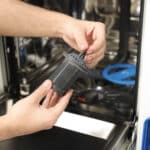
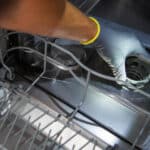
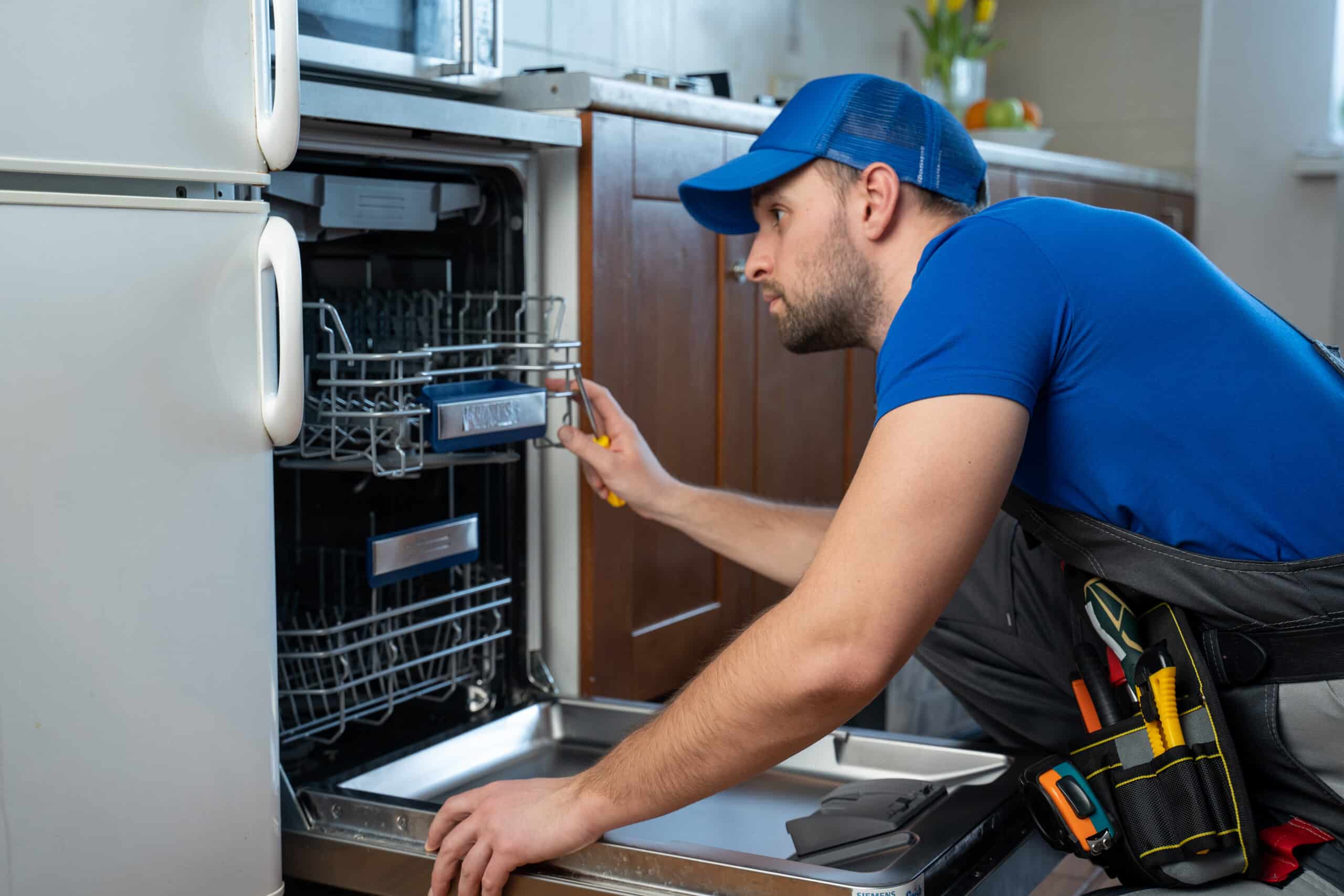
Pull the lower rack and remove the spray arm if it’s in the way. The filter assembly sits in the tub floor, twist it counterclockwise and lift it out along with the coarse screen beneath it. The pump is underneath the filter housing; once the filter assembly is out, a removable cover gives access to it on most models without needing to pull the dishwasher from the cabinet.
Error codes you might see
OE is LG’s drain-fault code and points to the filter first, then the pump if the filter is already clean. AE or E1 means the leak sensor detected water pooling in the base pan, a separate issue from OE that involves a seal or hose rather than the drain path.
Common Sticking Points With LG Units
Smart Diagnosis is handy for confirming which code triggered, but people sometimes treat it as a substitute for actually opening the unit and checking the filter, it isn’t. It reads what the control board already knows, not what’s physically stuck in the drain path. Check the filter yourself before calling support.
Frequently Asked Questions
Is OE the same code LG uses on washing machines?
Yes, LG uses OE for drain faults across both washers and dishwashers, though the underlying cause and part locations differ between the two.
What does Smart Diagnosis actually check?
It relays the fault code already stored by the control board to LG support over a phone call, it doesn't inspect the filter or pump itself.
Is AE the same as OE?
No. AE (or E1) is a leak detection code, OE is the drain-fault code. They point to different parts.
Can I access the pump without removing the whole dishwasher?
Yes, on most LG models a cover under the filter assembly gives you pump access without pulling the unit from the cabinet.
Use this as a diagnostic aid only; a certified technician’s evaluation still takes precedence for anything beyond these checks.
]]>