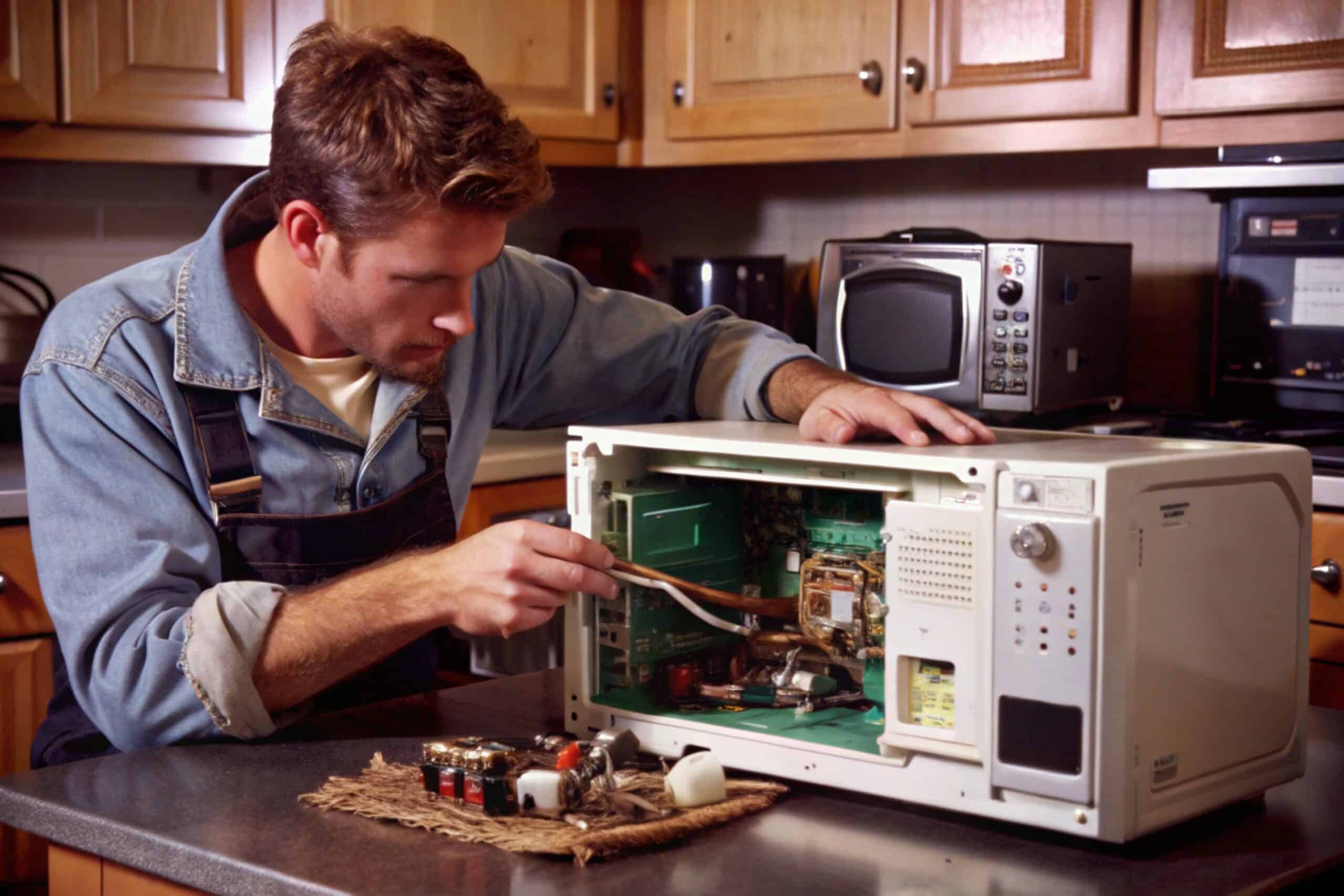
Whirlpool’s own troubleshooting gives an exact keypad sequence for Demo mode, rather than a general “check your settings” note. That precision cuts both ways: it’s easy to look up, but also easy to trigger by accident while wiping down the control panel.
Before digging into Whirlpool specifics, it’s worth having gone through our full Microwave Not Heating guide first, since it lays out every general cause in the order you’d normally check them. Everything from here on is Whirlpool-only, part of our broader microwave troubleshooting hub.
Check for Demo Mode, and the Exact Combo to Toggle It
If Demo mode was recently switched on or off, the display briefly shows “dOn” or “dOff”. To check or toggle it yourself: open the door, press and hold the number “3” on the keypad for 5 seconds until a “d” icon lights up, then press Start within 5 seconds. The display will show “dOn” or “dOff” depending on which way it just switched. If you don’t press Start in time, the microwave returns to normal idle mode without changing anything.
Power Level Is a Separate, More Common Culprit
Before assuming Demo mode is the cause, press the Power Level button and select 10 for full power. Whirlpool notes that a microwave left on a lower power level, often left there by a previous user or after defrosting, can produce heat so weak it feels like the unit isn’t heating at all.
Control Lock and Beyond
Control Lock Mode can also block normal operation; check your manual for the deactivation sequence if the keypad seems unresponsive. If Demo mode, power level, and Control Lock are all ruled out, Whirlpool’s guidance moves to the same internal causes covered in our general Not Heating guide: door switch, fuse, magnetron, or high-voltage diode, all professional-service territory.
Frequently Asked Questions
What if I press and hold "3" but nothing happens?
Make sure the door is open first; the combo only registers with the door open. Hold for the full 5 seconds until the "d" icon appears, then press Start within 5 seconds or the microwave returns to idle without changing the setting.
Can I accidentally turn Demo mode on while cleaning the control panel?
Yes. Holding the "3" key for 5 seconds with the door open is enough to trigger the toggle, so it can happen unintentionally during cleaning, especially on models with a flat, easy-to-wipe keypad.
How much weaker is heating if the Power Level is set low instead of off?
It varies by level, but low settings like 1-5, often used for defrosting, can make food come out barely warm after a normal cook time, easy to mistake for a heating failure rather than a setting.
Does the "3"-key combo work on all Whirlpool microwaves?
It's documented for Whirlpool's over-the-range models. Countertop and built-in models may use a different sequence; check your specific manual if the combo above doesn't respond.
I've ruled out Demo mode, power level, and Control Lock. What's next?
At that point the cause is likely internal, the door switch, a blown fuse, the diode, or the magnetron, and diagnosis should go to a licensed technician given the capacitor's shock hazard.
This content is intended to assist with diagnosis and doesn’t take the place of a qualified professional.