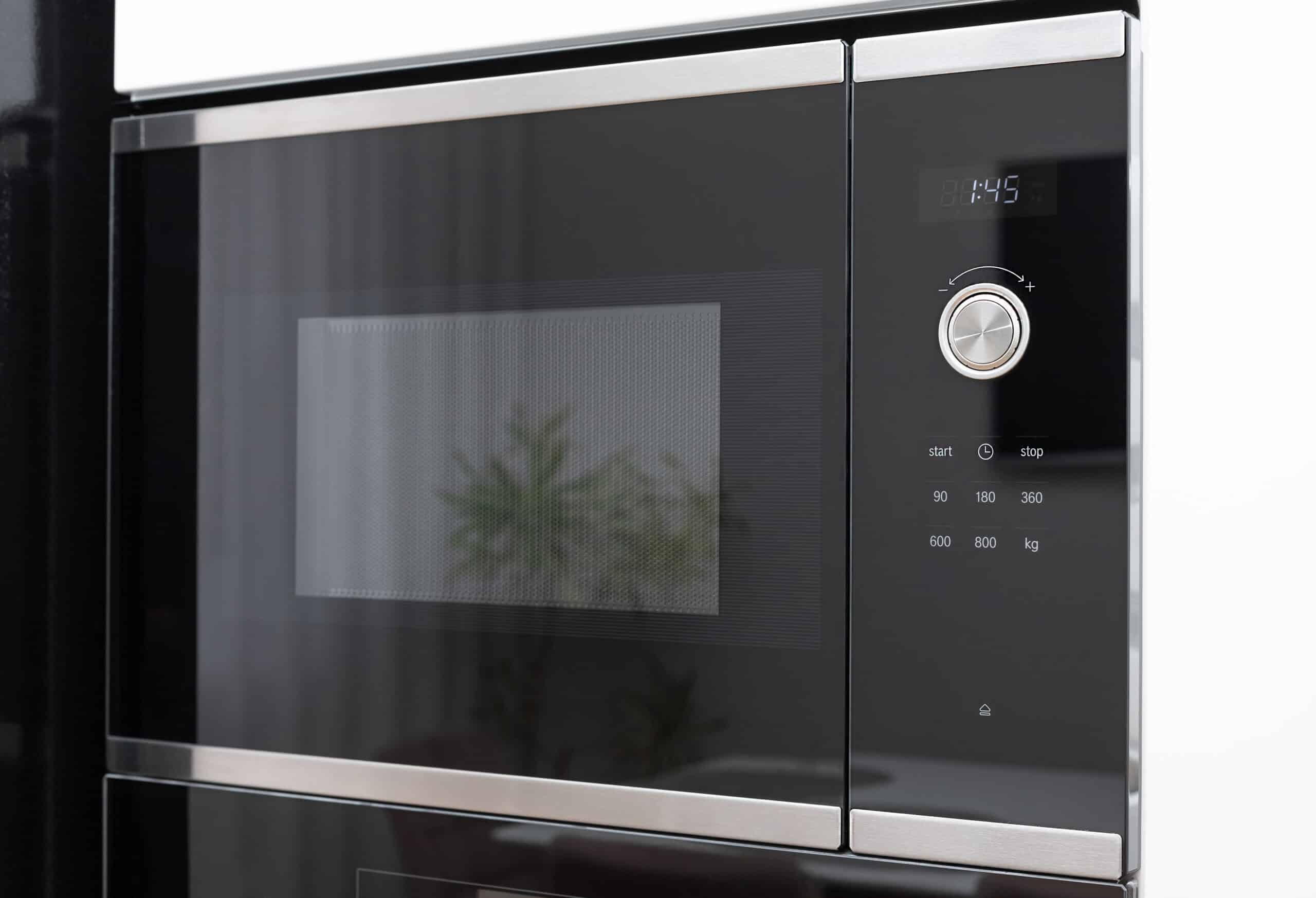
Samsung’s official troubleshooting for a microwave that runs but won’t heat leads with Demo mode, and gives a specific way to confirm it: set a cooking time and start the microwave. In Demo mode, the timer counts down noticeably faster than a real cook cycle.
We’re picking up here where our full Microwave Not Heating guide leaves off, since that’s where every general cause is laid out in diagnostic order. The rest of this page zeroes in on Samsung specifically, as part of our wider microwave troubleshooting hub.
Run the Timer Test First
Set any cooking time and press start. If the countdown clock races through faster than the time you actually set, the microwave is in Demo mode, not heating on purpose rather than because of a fault. On models with an Options or My Settings menu, Demo mode is option 6; setting it to 2 turns it off. On other models, check your user manual for the exit sequence, since it varies.
Kitchen Timer and Door Checks
Confirm the Kitchen Timer feature wasn’t used instead of a normal cook cycle, since it also just counts down without heating. Then check that the door closes completely; wipe the door and frame with a damp cloth, since debris along the seal is a common reason a Samsung microwave door doesn’t fully latch.
Clearance Affects Heat on Over-the-Range Models
Samsung specifically calls out installation clearance as a cause of no-heat or weak-heat complaints on over-the-range models. If the space to the left, right, above, or behind the unit is tighter than the installation manual specifies, the microwave can’t vent properly and heating suffers or stops. This is worth checking on any unit that was recently reinstalled or moved.
Frequently Asked Questions
How do I know for sure my Samsung microwave is in Demo mode?
Set a cooking time and press start. If the timer counts down much faster than the time you entered, that confirms Demo mode; a normal cook cycle counts down at the actual rate.
My model doesn't have an Options or My Settings button. How do I turn off Demo mode?
The exit sequence varies by model on units without that menu. Check your user manual for the specific button combination for your model.
Can incorrect clearance really stop a microwave from heating entirely?
Yes, on over-the-range models. Insufficient clearance prevents proper venting, which Samsung's own troubleshooting lists as a cause of no heat or weak heat, separate from any internal fault.
I checked Demo mode, Kitchen Timer, the door, and clearance, still no heat. What next?
At that point Samsung's own guidance moves to requesting service. Internal causes like the magnetron, diode, or capacitor require professional diagnosis regardless of brand.
Does the timer speed test work on every Samsung microwave model?
It's Samsung's own recommended method and applies broadly across their microwave lineup, but always cross-check against your specific model's user manual if the result is ambiguous.
This is offered as diagnostic guidance only, not as a substitute for a qualified professional.