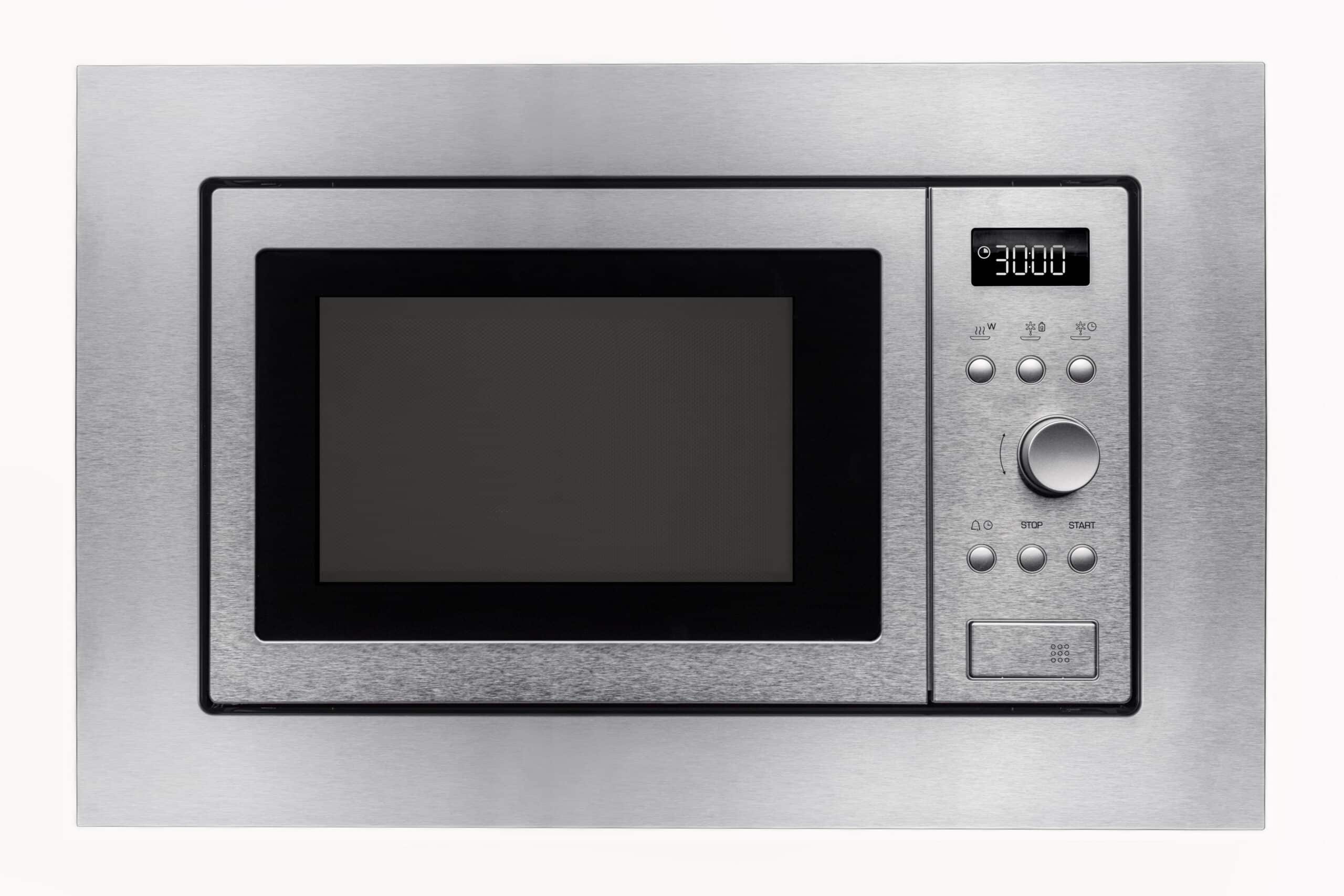
LG’s own troubleshooting for a microwave that won’t heat opens with settings, not parts: confirming Child Lock isn’t engaged, checking that Sensor Cook wasn’t used incorrectly, and verifying the door is fully closed, before moving on to the same components involved on any brand.
Worth reading first if you haven’t already: our full Microwave Not Heating guide, which walks through every general cause in the order you’d actually check them. From here on, everything is LG-specific, sitting inside our broader microwave troubleshooting hub.
Settings LG Recommends Checking First
Child Lock (LG’s version of Control Lock) disables the keypad and can look like the microwave isn’t responding at all, not just failing to heat. Sensor Cook and other automatic settings rely on a humidity sensor to judge doneness; using the wrong Sensor Cook mode for what’s actually inside can produce food that seems undercooked or cold even though the magnetron is working normally. Rule out both before assuming a hardware fault.
Power Reset
Unplug the microwave for about 2 minutes, then plug it back in. This reboots the electronic control board and clears minor faults that can affect heating, the same first step LG support gives before component-level checks.
If Settings and a Reset Don’t Fix It
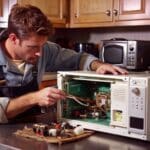
Beyond settings and a reset, LG’s support material lists the same components implicated in a not-heating complaint on most microwaves: a door switch, line fuse, thermal fuse, magnetron, high-voltage diode, capacitor, transformer, or control board. None of these are DIY-safe to test, given the capacitor’s shock hazard, so this is where LG, like every brand, points to professional service.
Frequently Asked Questions
What's the difference between LG's Child Lock and Control Lock on other brands?
They're the same feature under a different name: a keypad lock that prevents any button presses from registering. On LG models it's typically labeled Child Lock.
How could Sensor Cook make food seem like it's not heating?
Sensor Cook and similar automatic modes use a humidity sensor to estimate when food is done, rather than a fixed time. Using the wrong mode for what you're actually cooking can end the cycle early, so the food comes out cooler than expected even though the microwave heated normally.
Does the 2-minute unplug reset actually fix real heating problems?
It only resolves faults caused by the control board needing a reboot, a minor glitch, not a failed magnetron, diode, or capacitor. If the reset doesn't help, the cause is more likely a hardware failure.
Which LG microwave component fails most often?
LG doesn't publish a brand-specific likelihood ranking. Its support material lists the door switch, fuses, magnetron, diode, capacitor, transformer, and control board as the components involved, the same set covered in our general Not Heating guide.
Is it safe to check the line fuse or thermal fuse myself?
Testing a fuse with a multimeter is low-risk once the unit is unplugged, but reaching it typically means opening the cabinet, which exposes the high-voltage capacitor. That step is best left to a technician.
Consider this a diagnostic starting point, it isn’t a replacement for a qualified professional’s evaluation.