A microwave making loud noise is rarely a microwave that is dying. The sound usually comes from the glass tray rubbing its track, from food popping and spitting, or from the cabinet rocking on an uneven counter, and each of those is fixed in a few minutes with nothing but a cloth and warm water. Start by naming the sound. A click, a rattle, or a pop points at the tray, the food, or the mounting. A hum or a buzz that has always been there is the fan and the magnetron doing their job. A grind, a screech, or a buzz that is suddenly much louder than it was last month points behind the panel, and on this site that means unplugging the microwave and booking service rather than opening it.
This page covers a microwave that still works but has become loud. If the tray has stopped moving as well, see microwave turntable not turning; if you see flashes inside the cavity, go straight to microwave sparking or arcing. Every other symptom is in the microwave troubleshooting guide.
Quick diagnosis by sound
| Cause | Likelihood | Difficulty | What to do |
|---|---|---|---|
| Glass tray or roller ring out of its track, or crumbs under it (clicking, scraping, rhythmic knock) | Very likely | Easy (no tools) | Lift both out, wash them, clean the track, and seat the tray on its center coupler |
| Food popping, a spill burning on the floor, or a dish with metal trim (popping, crackling) | Very likely | Easy (no tools) | Cover the food, clean the cavity, use microwave-safe cookware only |
| Microwave rocking on an uneven or metal surface, or loose grease filters on an over-the-range unit (rattle, vibration) | Likely | Easy (no tools) | Press one corner and watch for movement; move it or reseat the filters |
| Normal hum from the cooling fan and the magnetron, a little louder with age | Likely | Easy (no tools) | Compare with how it sounded a month ago; record it if it has clearly changed |
| Cooling fan clogged with grease, loose, or wearing out (buzz or rattle from the back) | Possible | Professional recommended | Unplug the microwave and book service |
| Turntable motor or drive coupler worn (grinding from under the floor of the cavity) | Possible | Professional recommended | Unplug it; the motor sits under the cavity floor |
| Magnetron, high-voltage transformer, or arcing at the waveguide cover (screech, harsh loud buzz, burning smell) | Rare | Professional required | Stop using it and unplug it; do not open the cabinet |
Four noises you can silence without a screwdriver
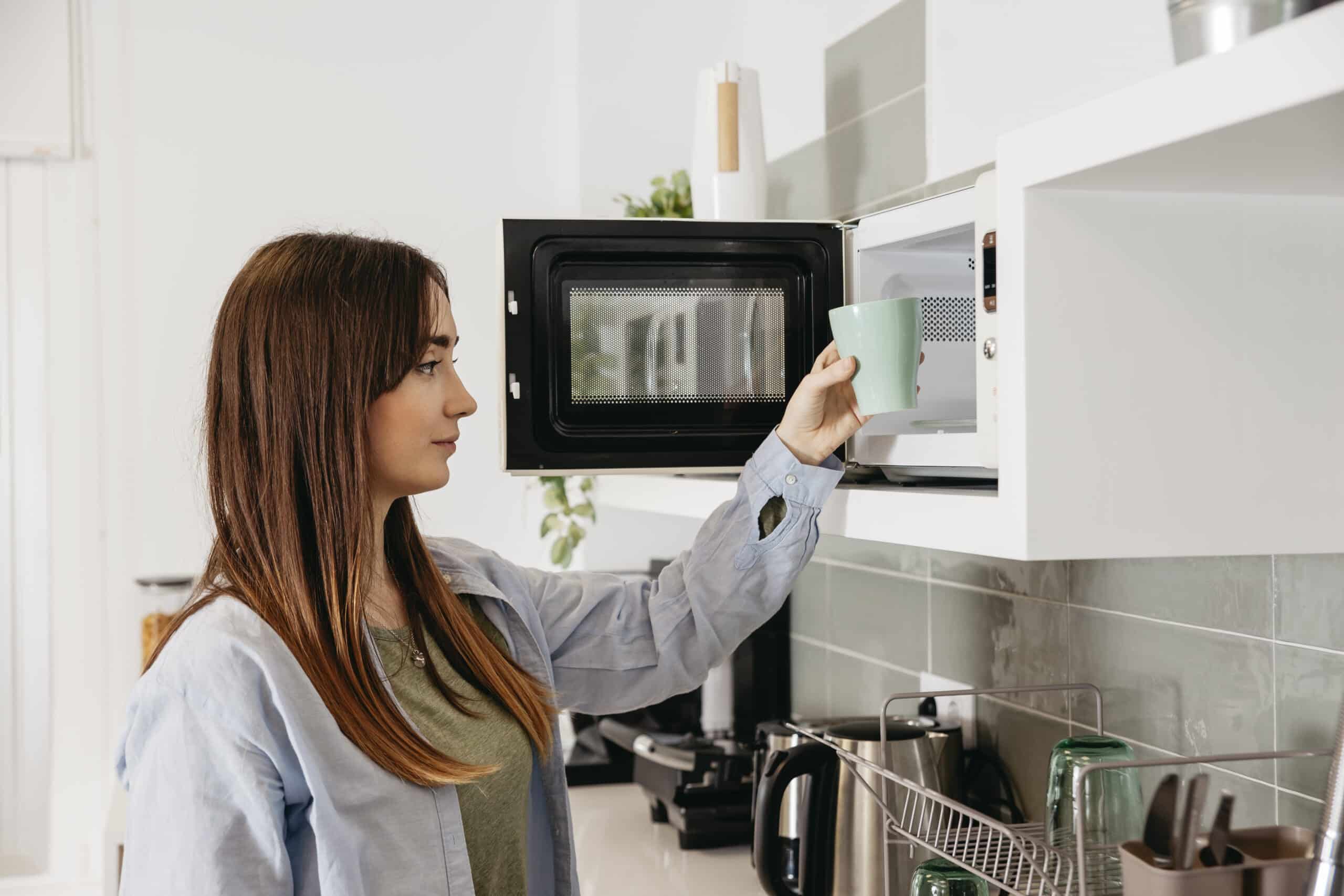
Unplug the microwave first, then lift out the glass tray and the plastic roller ring underneath it. This is where most clicking and scraping lives. Samsung’s support page says the glass turntable makes an occasional click as it rotates and that is nothing to worry about, but if the clicking is frequent the track and the roller ring need to be cleaned or set back in position. LG’s page says the same thing in different words: a rotating plate or support stand that is not sitting correctly causes interference during rotation, and debris on the wheels gets stuck and makes noise. Wash both parts in warm soapy water, wipe the circular track and the floor of the cavity, dry everything, and put the ring back before the tray. Then check the hub. Samsung’s turntable page says that when the coupler at the center of the tray does not connect to the motor, the tray will not spin and will usually make a lot of noise, so the tray should drop onto the coupler and sit flat, not perch on top of it.
Popping and crackling are the next most common complaint, and both Samsung and GE Appliances treat them as normal when food is the source. Fatty foods sizzle and spit, potatoes and sausages burst their skins unless you pierce them, and a spill left on the floor of the cavity pops every time it reheats. Cover the dish and clean the cavity. A plate with a metallic rim, a twist tie, or a metal rack sitting upside down will crackle too, and that one is not harmless: it is arcing, and it belongs on the sparking page linked above. GE’s page adds that the oven should never be run empty, and Samsung says the same, because an empty cavity pops and can damage the microwave.
Rattling and vibration usually have nothing to do with the inside of the appliance. LG’s loud-noise page says to press one side of the unit and watch whether it rocks; if it does, move it to a flat surface, and it notes that a microwave set on a metal sink drainer or a metal bin can buzz against it. On an over-the-range model, Samsung points at the grease filters under the unit, which rattle when they are not clipped in properly, so pull them out and reseat them.
Then there is the hum. Whirlpool’s product help pages for its countertop, over-the-range, and built-in microwaves all say the same thing: a humming or buzzing noise during operation is normal, and it comes from the cooling fan and from the power supply switching the magnetron on and off. That fan keeps running after the cycle ends to cool the cavity and the controls, which is why a microwave can hum with the door open and nothing cooking. Samsung adds a useful rule of thumb: the volume creeps up slightly with age, and the time to request service is when the noise is significantly louder than it was a month ago. According to LG’s support page, the vibration noise of a working microwave sits around 45 to 50 decibels, roughly the level of a quiet conversation, and that is not a defect.
When a microwave making loud noise needs a technician
Three sounds should end the home diagnosis. A grinding noise from under the floor of the cavity, with the tray still turning, points at the turntable motor or its coupler wearing out; the motor is mounted beneath the cavity and reaching it means removing the outer cabinet. A buzz or rattle that clearly comes from the back or the vent area, often with a smell of hot dust or grease, points at the cooling fan, which collects kitchen grease over the years and can loosen or seize. And a screech, a harsh loud buzz that was not there before, or any noise paired with a burning smell, smoke, or discoloration inside the cavity points at the magnetron, the high-voltage transformer, or arcing at the waveguide cover. LG’s page is blunt about the last group: a sudden loud noise calls for a professional inspection.
None of those parts are user-serviceable here, and the reason is not caution for its own sake. The high-voltage section of a microwave includes a capacitor that can hold a dangerous charge after the cord is pulled, which is why this site never describes opening the cabinet, testing the diode, or handling the magnetron. If the loud microwave also heats poorly, the microwave not heating page explains why those two symptoms often travel together. Unplug it, note what the noise sounds like and when it started, and record it on your phone, which Samsung suggests because the technician may not hear it on the first visit.
Repair or Replace?
Almost every noisy microwave on this page is fixed for free: a tray reseated, a cavity wiped out, a unit moved to a flat counter, a filter clipped back in. A roller ring or a drive coupler is a small part that any technician can swap, and it is worth doing on a microwave that otherwise works. The calculation changes once the diagnosis reaches the fan motor, the turntable motor, the magnetron, or the transformer on a basic countertop unit, because the labor to open and safely discharge the appliance is the same whatever the part costs, and a new countertop microwave is not expensive. Built-in and over-the-range models are a different case, since replacing one means matching a cutout or a cabinet, so a repair quote there is more often worth accepting. The microwave repair cost guide walks through where that line falls.
Frequently Asked Questions
Why is my microwave suddenly so loud?
A sudden change is the clue. If the tray, the food, and the surface it sits on check out, a microwave that is clearly louder than it was a month ago has a fan, a turntable motor, or a magnetron on the way out, and Samsung and LG both send that case to service.
Is it normal for a microwave to hum or buzz?
Yes. Whirlpool and Samsung both describe a low hum or buzz during cooking as normal; it comes from the cooling fan and from the power supply switching the magnetron on and off. What is not normal is a hum that has become much louder, or one paired with a burning smell.
Why does my microwave make a grinding noise?
Grinding from under the cavity floor while the tray still turns usually means the turntable motor or its coupler is wearing out. Grinding or scraping from the tray itself is almost always crumbs in the track or a roller ring out of position, which you can clean in minutes.
Why does my microwave click while it runs?
An occasional click from the glass tray rolling over its track is normal, according to Samsung. Frequent clicking means the track or roller ring needs cleaning or repositioning. A single click at the start and end of a cycle is the control switching the magnetron on and off.
Should I stop using a microwave that makes a loud noise?
Stop immediately if the noise comes with sparks, a burning smell, smoke, or scorch marks inside, or if it is a screech or a harsh buzz you have never heard before. Unplug it and book service. A rattle from the tray or a pop from the food is safe to fix yourself.
Why does my microwave keep making noise after it stops?
That is the cooling fan. Whirlpool says the fan keeps running after the cycle completes to cool the cavity and the electronic controls, so a hum for a minute or two after the food is done is normal, not a fault.
These checks help you tell a tray, a spill, or a wobbly counter from a part that is failing. They are not a substitute for a qualified technician once the noise comes from behind the cabinet, where the high-voltage circuit lives.