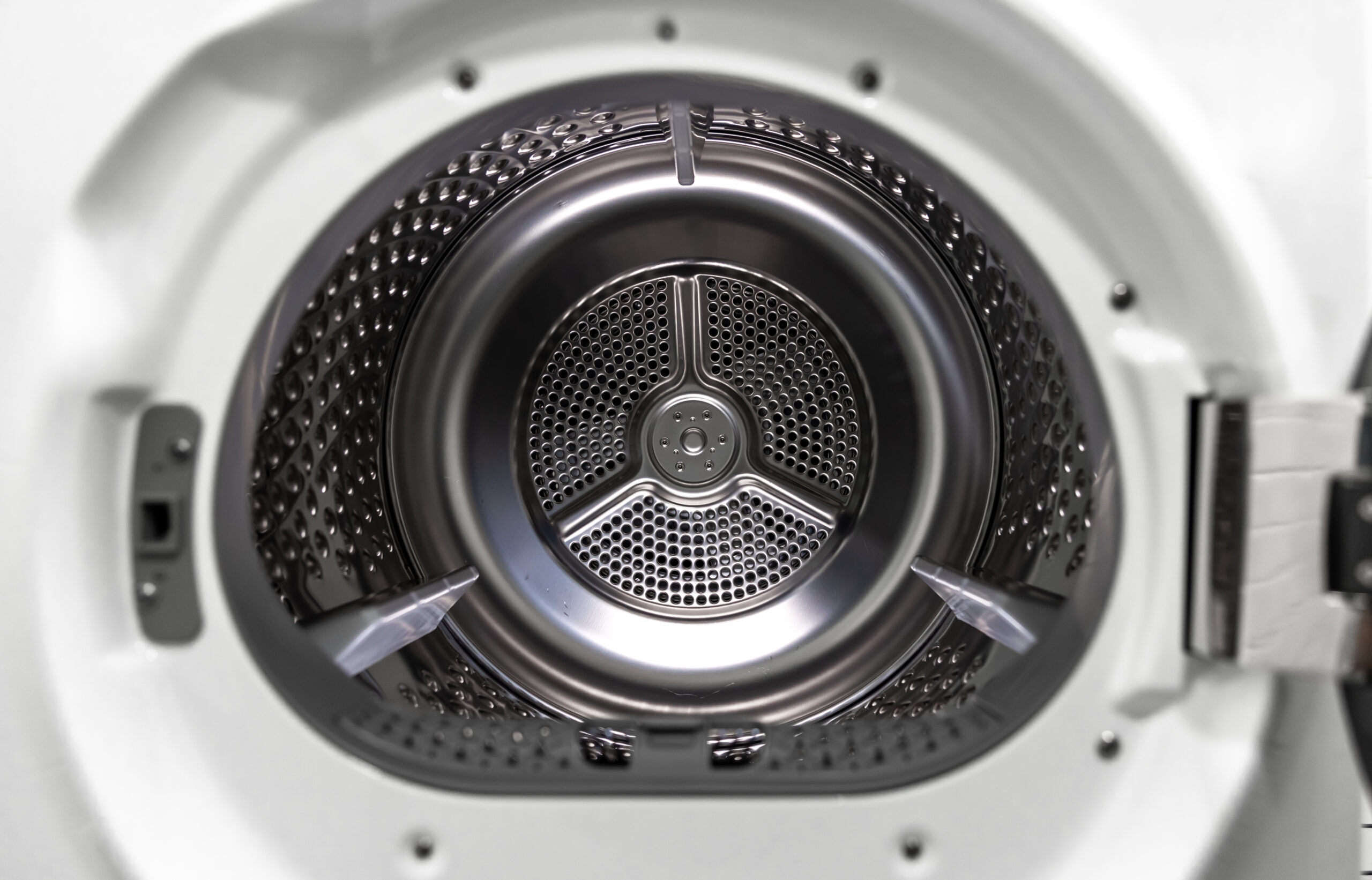
When your dryer won’t start, no tumble, no hum, nothing when you press the button, the cause is usually something you can fix standing in front of it. Hold the Start button for a few seconds instead of tapping it, push the door until the latch clicks, and look for a lit control lock or child lock indicator. If the panel is completely dark, the breaker comes next: electric dryers in the US run on a pair of breakers, and one of them can trip on its own. Only after that do the door switch, the thermal fuse, the belt switch, and the control board come into the picture, and those are a technician’s job on this site.
This page covers a dryer that does nothing at all. If the motor hums but the drum stays still, that is a belt or roller problem, covered under dryer not spinning. If it starts and quits a few minutes in, see dryer shuts off after a few minutes. Every other symptom for this appliance is in the dryer troubleshooting guide.
Where to look when a dryer won’t start, by likelihood
| Cause | Likelihood | Difficulty | What to do |
|---|---|---|---|
| Start button tapped instead of held, or a control lock switched on | Very likely | Easy (no tools) | Hold Start for a few seconds; clear the lock the way your panel or manual shows |
| Door not fully latched, or clothing caught in the opening | Very likely | Easy (no tools) | Push the door until it clicks; on a two-latch model both must engage |
| No power: tripped or half-tripped breaker, plug not fully seated | Likely | Easy (no tools) | Switch the breaker fully off, wait half a minute, switch it on; reseat the plug |
| Cycle selector on a setting that does not start, or a GE personality prompt on the display | Possible | Easy (no tools) | Pick a timed or automatic dry cycle; set the personality as the manual says |
| Door switch worn, scorched, or stuck in the pressed position | Possible | Professional recommended | Look at the switch with the door open; replacement is a service job |
| Thermal fuse blown, usually after a restricted vent | Possible | Professional recommended | No reset exists; have the fuse replaced and the vent cleared |
| Broken belt on a model with a belt switch, failed start switch, motor, or control board | Rare | Professional required | Unplug the dryer and book service |
Dark panel or live panel: two different faults
Start by looking at the control panel. If it is dark and the drum light stays off when you open the door, the dryer is not getting power, and nothing inside it matters yet. Samsung’s power troubleshooting page puts the breaker first: switch it fully off, wait 30 seconds, and switch it back on, because a breaker that has half-tripped can look like it is on. On an electric dryer the two breakers are paired, and Samsung says to power both off and back on. GE’s page adds the check people skip: the plug has to be pushed completely into the wall outlet, and the dryer should be on its own dedicated circuit. A gas dryer runs on an ordinary outlet, so Samsung suggests plugging a lamp into it to prove it is live. If the breaker trips again as soon as you reset it, stop there. Samsung and Whirlpool both send you to a licensed electrician at that point, and so does this site.
If the panel lights up but nothing happens when you press Start, the dryer has power and is refusing to run. Whirlpool’s product help page says the Start, Push to Start, or Hold to Start button should be pressed and held for two to five seconds, because a quick tap may not engage the motor. That one line solves more no-start calls than any part ever will. Next is the lock. Whirlpool’s Controls Locked light clears by holding the Cycle Signal button for three seconds on most models, and Samsung’s Child Lock, which it says stops the Start button from working, clears by holding the two marked buttons for three seconds or more. Then the door. It can look shut and not be latched; Whirlpool notes that some models have two latches and both must engage, and a sock caught in the opening is enough to defeat one. Check the cycle selector as well: Whirlpool says the dryer will not start on the Wrinkle Reduction setting on some models, and GE wants the Start button depressed completely with a cycle actually selected. On GE dryers made since 2019, a 1 or 2 on the display means the dryer is waiting for its personality setting, 1 for electric and 2 for gas, and pressing Start toggles between them. One last thing: a touch panel reads a wet finger badly. Whirlpool’s advice is to dry your hands and wipe the panel with a clean cloth.
Samsung has a neat way to separate a dryer that is not starting from one that has started and cannot turn. Select Time Dry, hold Start, and watch the timer. If it counts down after a minute or two, the cycle is running and the drum should be moving, so a still drum is a mechanical fault. If the timer never moves, the dryer never accepted the command, and the door or a lock is still the problem. The same logic works on any brand with a countdown display.
When the easy checks pass: door switch, fuse, belt, and board
Past this point the parts sit inside the cabinet, and on this site that means a service call rather than a screwdriver. The door switch is the first suspect because it fails in a way you can sometimes see: GE’s page says to open the door and check whether the switch is scorched or pushed in. A switch stuck in the pressed position tells the control the door is open forever, and the dryer stays silent. The thermal fuse comes next. It is a one-shot safety device, and on many dryers it sits in the circuit that feeds the motor, so when it blows, often after years of a lint-choked exhaust, the dryer behaves like one with no power even though the panel may light. It cannot be reset, and a good technician will want to know why it blew, which is why the dryer vent cleaning guide belongs in this conversation. Some dryers also carry a belt switch: when the drive belt snaps, the switch opens and the motor will not run at all, so a dryer that went quiet after a bang or a hot rubber smell is probably a belt job.
The start switch itself, the motor, and the control board are the rare end of the list, and Whirlpool’s own advice for a suspected control board fault is professional diagnosis. Agreed. On electric dryers, GE’s troubleshooting also covers the power cord and the terminal block behind the rear panel, where a burned or frayed connection can cut power entirely and, in GE’s words, both the block and the wires then need replacing. That is 240 volt wiring. Leave it closed; an electrician or an appliance technician opens it, not you.
Repair or Replace?
Most dryers that will not start are fixed for nothing: a longer press on Start, a lock turned off, a breaker reset, a door pushed shut. None of that is a reason to shop. A door switch, a thermal fuse, or a belt is a routine repair on almost any dryer that is otherwise sound, and worth doing. The calculation changes when the technician comes back with a motor or a control board on an older machine, or when the no-start followed a burning smell, scorch marks at the terminal block, or a breaker that keeps tripping. Those point to a dryer that has been running too hot or to a supply problem that needs an electrician first, and the dryer repair cost guide walks through where repair stops making sense.
Frequently Asked Questions
Why won't my dryer start even though it has power?
A lit panel with no response to Start points to the door, a control or child lock, a tapped rather than held Start button, or a cycle setting that does not start. Clear those first. If the dryer still refuses, the door switch or the thermal fuse is the usual culprit, and both are service items.
How do I reset a dryer that won't start?
Switch off the breaker or unplug the dryer, wait about a minute, and restore power; Samsung gives 60 seconds for this. If a breaker was tripped, switch it fully off before switching it on, and on an electric dryer reset both breakers of the pair. A reset clears a glitch, not a failed part.
Why does my dryer click but not start?
A click from the panel with no tumble usually means the control accepted the command and something downstream is open: a door switch, a blown thermal fuse, a belt switch, or a motor that cannot turn. None of those are user-serviceable, so unplug the dryer and book service.
Can a blown thermal fuse stop a dryer from starting?
Yes, on many dryers the thermal fuse sits in the motor circuit, so a blown fuse leaves the dryer silent even if the panel lights. It is a one-time device that is replaced, never reset, and a restricted vent is the usual reason it blew.
Will a broken belt stop a dryer from starting?
On dryers with a belt switch, yes: a snapped belt opens the switch and the motor will not run. On dryers without one, the motor runs and the drum stays still, which is the dryer not spinning symptom rather than this one.
Why won't my gas dryer start?
The checks are the same, with two differences: a gas dryer has a single breaker, and it plugs into an ordinary outlet, which you can test with a lamp. If you smell gas at any point, leave the room and call the gas supplier or a licensed technician; nothing on this page touches the gas supply.
These checks separate a setting or supply problem from a failed part. They are not a substitute for a qualified technician once the fault is behind the panel, at the terminal block, or anywhere near a gas dryer’s supply.