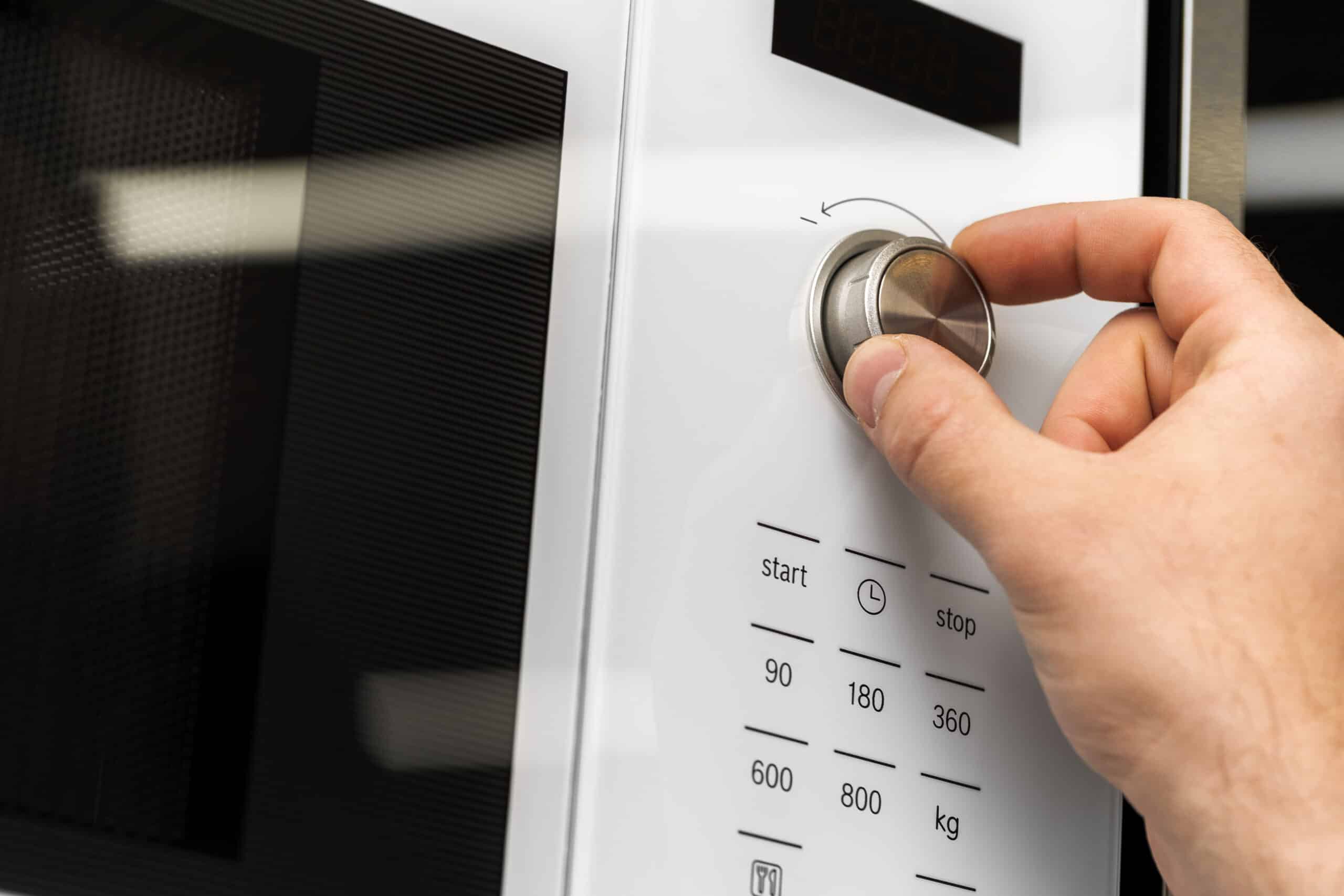
A microwave keypad that won’t respond is often not broken at all: Control Lock (sometimes called Child Lock) disables every button on purpose, and it’s the single most common cause of a “dead” keypad. Grease buildup and lingering steam are the next most likely causes, both fixable without buying anything, well ahead of a worn touchpad or a failed control board.
You’ll find this alongside every other fix in our full microwave troubleshooting guide.
Quick Diagnosis Table
| Cause | Likelihood | Difficulty | Typical Part Cost |
|---|---|---|---|
| Control Lock or Child Lock enabled | Very likely | Easy (no tools) | $0 |
| Grease or food debris on the keypad | Likely | Easy (no tools) | $0 |
| Internal moisture from steam | Possible | Easy (let it dry) | $0 |
| Worn touchpad or membrane switch | Likely | Moderate | $15–40 |
| Failed control board | Less common | Professional recommended | $60–150 |
Repair or Replace?
Checking for Control Lock, cleaning the keypad, and letting the unit dry out cost nothing and resolve most cases on their own. A touchpad replacement is a straightforward, inexpensive repair that most owners can do themselves once the part is on hand. A control board failure is the one cause worth comparing against the price of a new microwave first, since parts and labor together can add up quickly, especially on an older unit.
Frequently Asked Questions
How do I know if Control Lock is on instead of a real fault?
Look for "LOC," "LOCK," or a small key or padlock icon on the display, then check your owner's manual for the exact key combination to disable it, since it varies by brand and model.
Some buttons work but others don't. What does that mean?
That pattern usually points to a worn touchpad rather than the control board, since a control board failure tends to disable the whole keypad at once rather than just a few buttons.
Can steam from cooking really disable the keypad temporarily?
Yes. Steam can get behind the control panel and interfere with the touchpad's contacts, causing buttons to stop responding until the moisture clears on its own.
How long should I let the microwave dry out before assuming it's broken?
A few hours with the microwave unplugged and the area well-ventilated is usually enough; if the keypad still doesn't respond after that, moisture likely isn't the cause.
Is replacing a touchpad something I can do myself?
Yes, for most models. It typically involves removing the outer cabinet panel to access the control panel from behind, without going near the high-voltage capacitor compartment.
Why does the display still light up if the buttons don't respond?
A lit display confirms the control board itself has power and is functioning; when only the buttons fail to register input, that points to the touchpad or membrane switch rather than the board.
Treat this as a starting point for diagnosis, not a substitute for a qualified professional’s judgment.