Most Whirlpool washer error codes are not a sign of a broken part. Whirlpool’s own support process is to clear the code with a simple reset before assuming anything is actually damaged.
How to Reset a Whirlpool Washer
Before assuming a failed part, most Whirlpool washer error codes clear with Whirlpool’s own two-step reset: Pause/Cancel twice, then Power once.
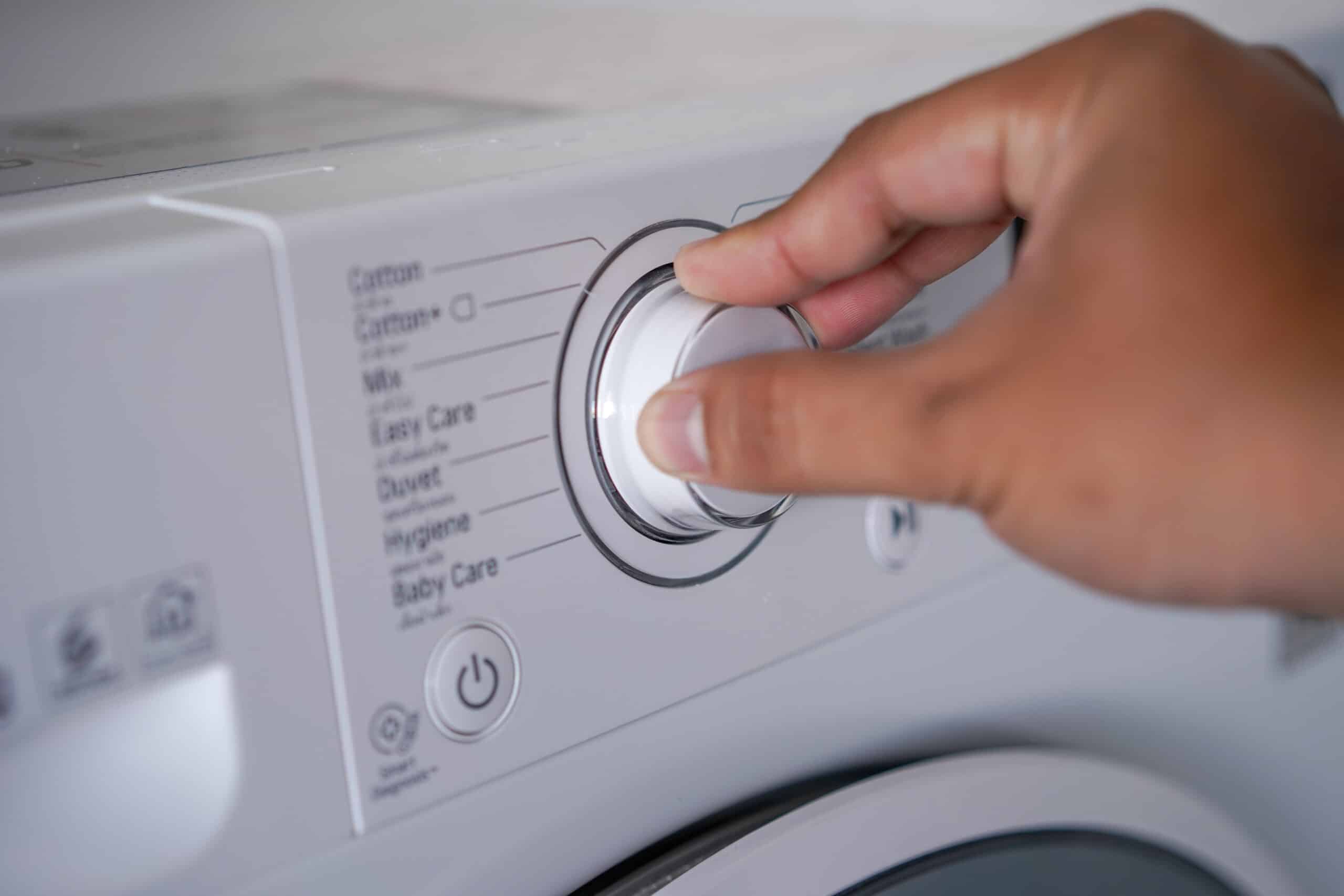
Steps
- Press Pause or Cancel twice, then press Power once. This clears most F# E# codes on current Whirlpool washers.
- If the code stays on screen, unplug the washer (or switch off the breaker) for at least 5 minutes to let the control board fully reset.
- Plug the washer back in and start a short cycle to confirm the code doesn't return.
- If an F# E# code reappears after a full reset, treat it as a real fault: write down the exact code and check its specific meaning before calling for service.
Warnings
- A code that comes back identically after a full reset points to a genuine fault, not a control glitch, don't keep resetting the same cycle over and over.
Maintenance tips
- After any reset, run a load with HE detergent only; suds from non-HE detergent are one of the most common reasons a reset doesn't stick.
Updated on
