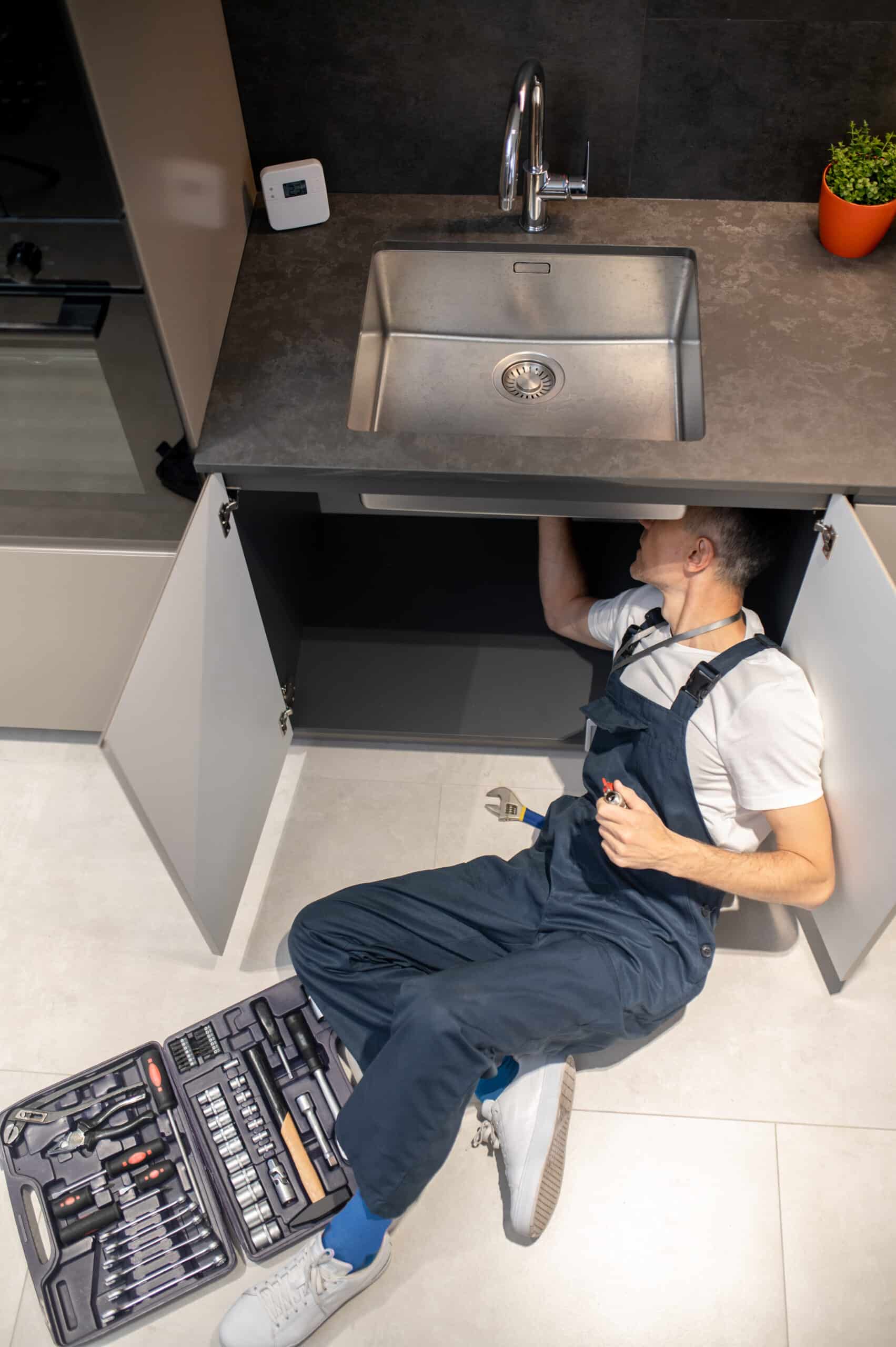
The small red button on the bottom of your garbage disposal is a thermal overload protector, not a simple power switch. It trips automatically when the motor draws too much current, usually from a jam or an overload, and protects the motor from burning out. Pressing it back in is often all that’s needed, but if it keeps tripping again and again, that’s the disposal telling you something specific is wrong, not a faulty button.
For every other cause, check our garbage disposal troubleshooting hub. If your unit won’t even hum after resetting, see our not working guide instead.
Quick Diagnosis Table
| Why It Keeps Tripping | Likelihood | Difficulty | Typical Cost |
|---|---|---|---|
| Overload from too much waste at once | Very likely | Easy | $0 |
| Jam preventing the flywheel from turning under load | Very likely | Easy | $0 |
| Running the disposal continuously for too long | Likely | Easy | $0 |
| Weak or failing motor drawing excess current | Possible | Professional recommended | $70–150 new unit |
| Wiring fault or short | Rare | Professional recommended | Electrician visit |
How to Reset It Properly
Switch off the wall switch first, then locate the small red button on the bottom of the unit under the sink. Press it firmly until you feel or hear a click. If it won’t stay pressed in, don’t keep forcing it, that means the underlying cause hasn’t been resolved yet. Clear any visible jam with a hex wrench first, wait a few minutes for the motor to cool if it’s been run hard, then try the reset button again.
Repair or Replace?
A one-time trip from overload or a jam costs nothing to fix. A button that trips repeatedly even with light use and no visible jam usually points to a motor that’s wearing out, and since disposal motors aren’t sold as standalone parts, replacing the whole unit ($80–200) is the practical fix at that point.
See our InSinkErator and Badger guides for exact reset button color and location on each line.
Frequently Asked Questions
This content is intended as diagnostic guidance and doesn’t replace hiring a qualified professional when needed.