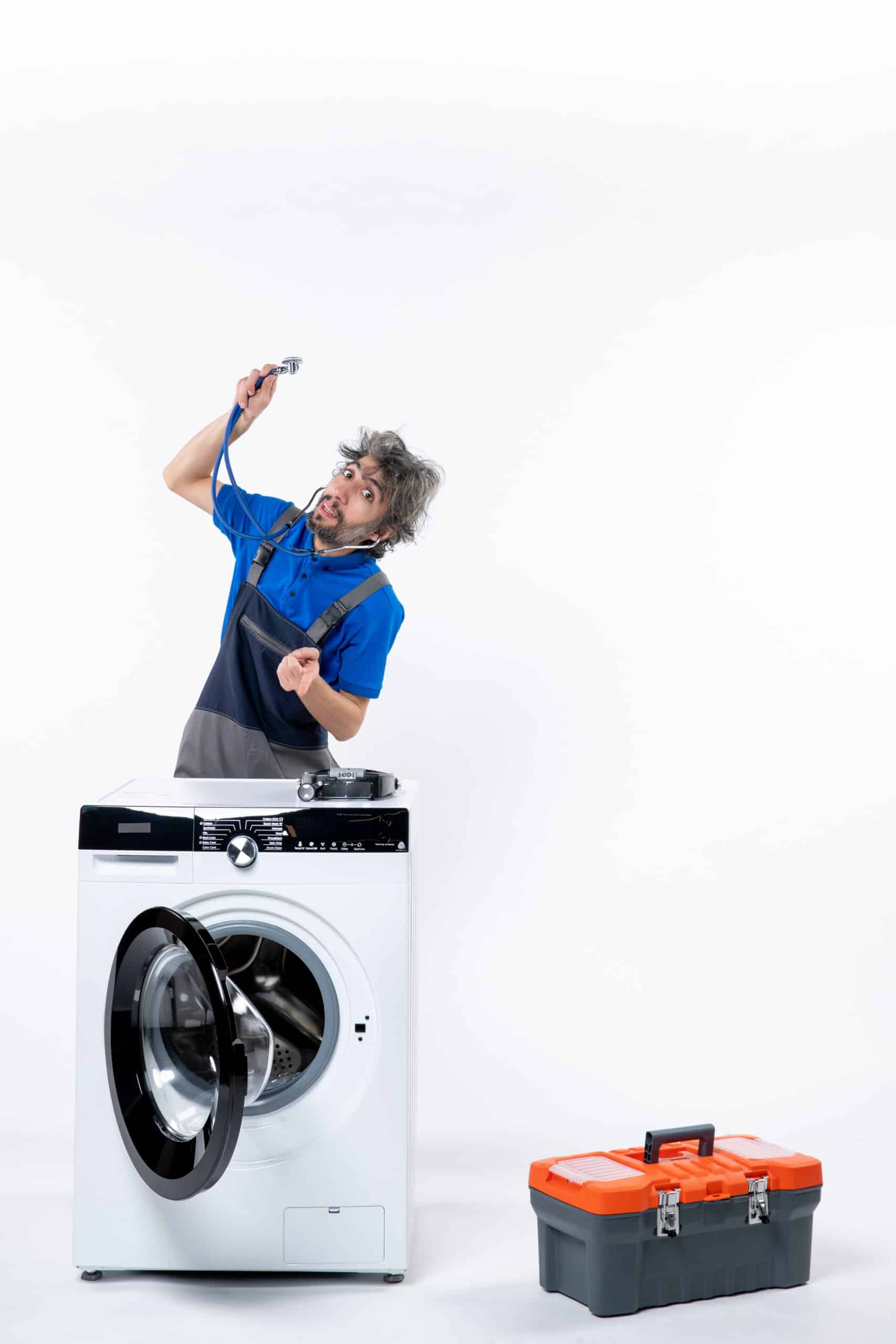
dE means the control board can’t confirm the door, or lid on top-load models, is fully closed and locked. LG’s official fix is a specific power cycle: unplug the washer, hold Start/Pause for 5 seconds while it’s unplugged, then power it back on and press the door in firmly before starting a cycle.
Brand:
LG Washer Error Code dE (Door Won’t Lock)
dE means the washer can’t confirm the door or lid is locked. Often it just needs a firm push and a specific power cycle.
Meaning
Possible causes
No cause is certain until it has been checked on the appliance.
- Very likely Door not pushed fully closed
- Likely Door misaligned after heavy use or a slammed close
- Possible Defective door latch
Tools needed
- Flashlight
First checks
- Power off and fully unplug the washer, or trip the breaker if you can't reach the outlet.
- With the power disabled, press and hold Start/Pause for 5 seconds.
- Plug the washer back in, power it on, press the door in firmly, then select a cycle and press Start/Pause again.
- If dE returns immediately after this reset, check the door for visible misalignment before assuming the latch itself has failed.
Step-by-step diagnosis
- Power the washer off and unplug it. If you cannot reach the outlet, trip its breaker.
- With the power off, press and hold Start/Pause for 5 seconds. This drains the residual charge from the control board, which a plain unplug does not do.
- Plug back in and power on.
- Press the door firmly closed, then select a cycle and press Start/Pause.
- If dE returns, look along the gap between door and cabinet. It should be even top to bottom. A door that has dropped on its hinge sits low and the latch no longer lines up with the strike.
- Check the gasket fold for anything trapped, then try once more.
What not to do
- Forcing the door shut repeatedly without doing the power-cycle reset first. LG's documented fix requires the specific unplug and Start/Pause sequence, not just closing the door harder.
When to stop
- dE returns straight after the reset with a door that closes squarely.
- The door is visibly out of line, or the hinge has play. That is an alignment job, and forcing it makes it worse.
An error code varies by brand
The same code can have a different meaning depending on the brand and model. Always check your appliance's manual before acting.
Related problems
 Moderate
Washing Machine Not Filling With Water? Check the Taps and Screens First
Open both faucets fully and straighten the inlet hoses first: most washers that will not fill are starved on the supply side.…
 Low
LowWashing Machine Won’t Start? 6 Causes Ranked by Likelihood (With Tests)
Most washers that won't start have a door that isn't fully closed, a tripped breaker, or an engaged control lock, rarely a…
 Low
LowWashing Machine Stuck on Spin Cycle? 6 Causes Ranked by Likelihood
A washer stuck on spin is usually re-attempting because of an unbalanced load or an unconfirmed lid/door switch, rarely a failed motor.
Related guides

When to call a professional
If the simple checks turned up nothing, if the repair involves electricity, gas, or the sealed refrigerant system, or if you have any doubt at all: stop there and hand the appliance over to a qualified technician.
