Most LG washer fault codes are not proof of a broken part. LG’s own troubleshooting videos walk through the same basic reset before pointing at any component, and it clears the majority of one-off codes without a service call.
How to Reset an LG Washer
LG’s own fix for most OE, UE, IE, LE, and dE codes is a power-cycle reset, not a repair. Try this first.
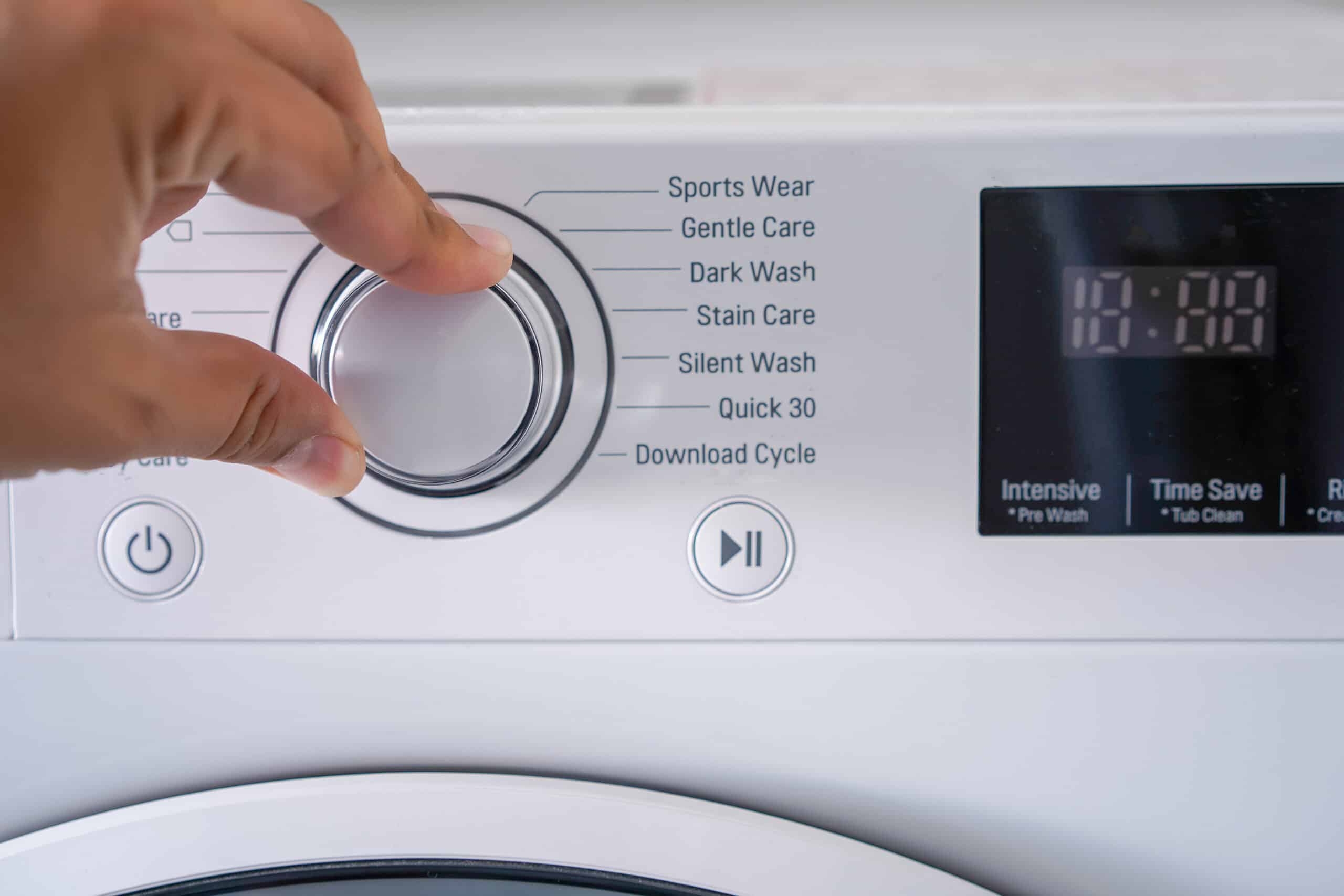
Steps
- Power the washer off and unplug it. If you can't reach the outlet, switch off the breaker instead.
- With the washer unplugged, press and hold Start/Pause for 5 seconds. This drains residual power from the control board.
- Plug the washer back in, or restore the breaker, and power it on.
- Some models keep the door lock engaged for 2 to 3 minutes after a fault as a safety measure. If the door won't open right away, wait before forcing it.
- Start a short cycle to confirm the code doesn't return before you run a full load.
Warnings
- If the same code reappears immediately after a clean reset, that's a real fault, not a control glitch. Stop resetting and check the code's specific meaning instead.
Maintenance tips
- Write down the exact code before you reset it. Some LG codes look alike (OE and IE, dE and dE1/dE2/dE3 on Sidekick pedestal models) and the fix differs by variant.
Updated on
